
Ready to build an awesome site?
Time to learn how to code!
Just kidding. It’s 2026. We have robots to get our groceries and tools to build our sites.
A roofing website builder platform (like WordPress and Wix) is a drag-and-drop tool that lets you create a beautiful, pro-level roofing website without hiring a developer or dealing with code.
But choosing the right builder is make-or-break. 90% of websites flop. They get no meaningful traffic or sales.
In the next few minutes, we’ll compare the 10 best web builders behind some of the coolest roofing contractor websites on the internet. You’ll see the pros, the cons, and even the pricing! Keep scrolling.
Key Takeaways
- Wix, Weebly, and Strikingly help you launch fast, capture leads, and get a roofing website live in days.
- WordPress and Webflow give you deeper SEO control and customization.
- Duda and Jimdo work well for multi-location roofers or teams that want built-in bookings.
- Budget builders like Hostinger get you online cheaply, but come with limits as your business scales.
- Overall, website builders are great for quick launches. Custom-built roofing websites give you stronger SEO, better conversions, and more flexibility.
What Is a Roofing Website Builder?
A roofing website builder is a specialized, no-code, drag-and-drop tool for roofing contractors. It helps you create a professional, mobile-responsive website in a matter of hours.
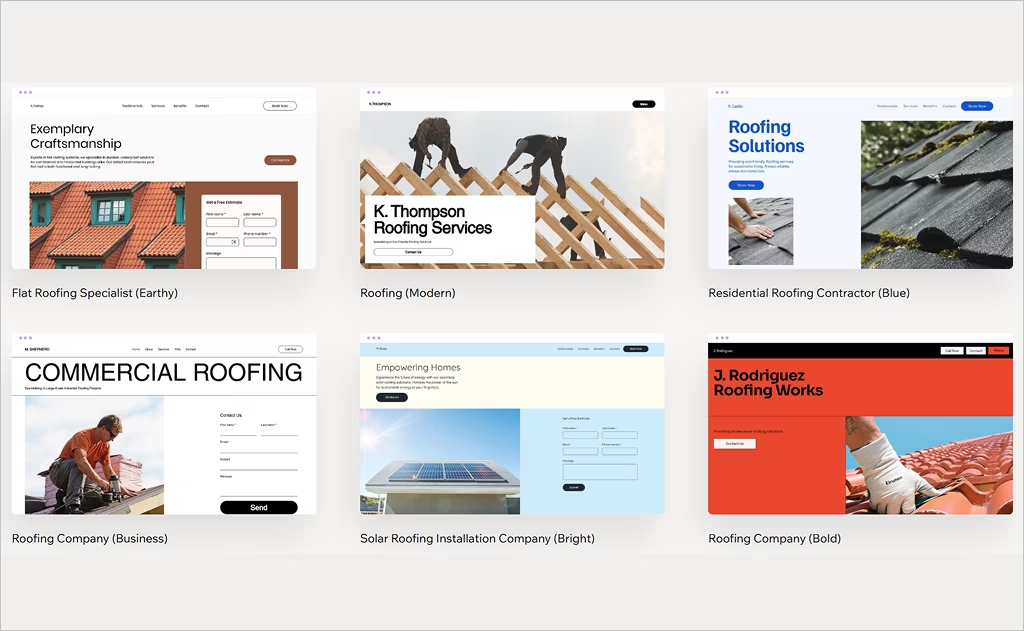
What’s cool is that these platforms (Strikingly, WordPress, Wix) include industry-specific features like image galleries for past projects, service descriptions, contact forms, and even local SEO (search engine optimization) tools.
Coding your own site is a pain! Sure, it gives you more control over the visuals and functionality.
But do you really have the tech skills and at least 4 to 6 weeks to spare before you launch?
No? Then you’ll be happy to know that there are plenty of GREAT website builders for roofing company owners.
You can launch in days and boost your roofing lead generation faster, which is the ultimate goal. No more relying on referrals, yay!
What Features Should a Roofing Contractor Site Builder Offer?
Roofing website design is a tough nut to crack.
You can go in about 100 different directions.
But the best website builders for roofing company owners have a few key elements in common. P.S. Don’t compromise on ANY of these:
- Mobile-responsive design: 60% of your roofing prospects will look for a roofer on their phones. Make it easy for them to contact you on any screen size.
- Fast loading speeds: We all hate slowpokes. Anything under 2.5 seconds is great. If it takes 7+ seconds, your conversion rates will drop by 113%.
- Built-in SEO tools: You need the basics like page titles, meta descriptions, and location pages to support your roofing SEO. After all, you want local clients who can actually hire you.
- Service pages by job type: Make sure you have separate pages for repairs, replacements, inspections, and installations. Make it crazy-easy to find stuff.
- Quote request and contact forms: You want people to ask for estimates. Front-load your “Contact” buttons and make your forms 3 fields max (Name, Email, Message).
- Project galleries or portfolios: You need before-and-after photos on your site. This is one of the most powerful marketing tools out there.
- Easy updates: Finally, you should be able to swap photos, add services, or tweak copy without calling tech support.
Pro Tip: Bookmark this page and come back to it later.
Before you launch, run through this list again to make sure your roofing services website checks ALL these boxes.
Want a Great Website? Take a Shortcut! We've Built Over 300+ High-Converting Sites Since 2008.
The Most Reliable Roofing Website Builder Options in 2026
Alright, time to dive in!
These are the best website builders money can buy. Some help you launch fast. Others give you more control as you grow.
Keep scrolling and check out the coolest platforms for building a high-converting roofing website in 2026. Let’s go!
1. Wix (Beginner-Friendly & Fast Launch)
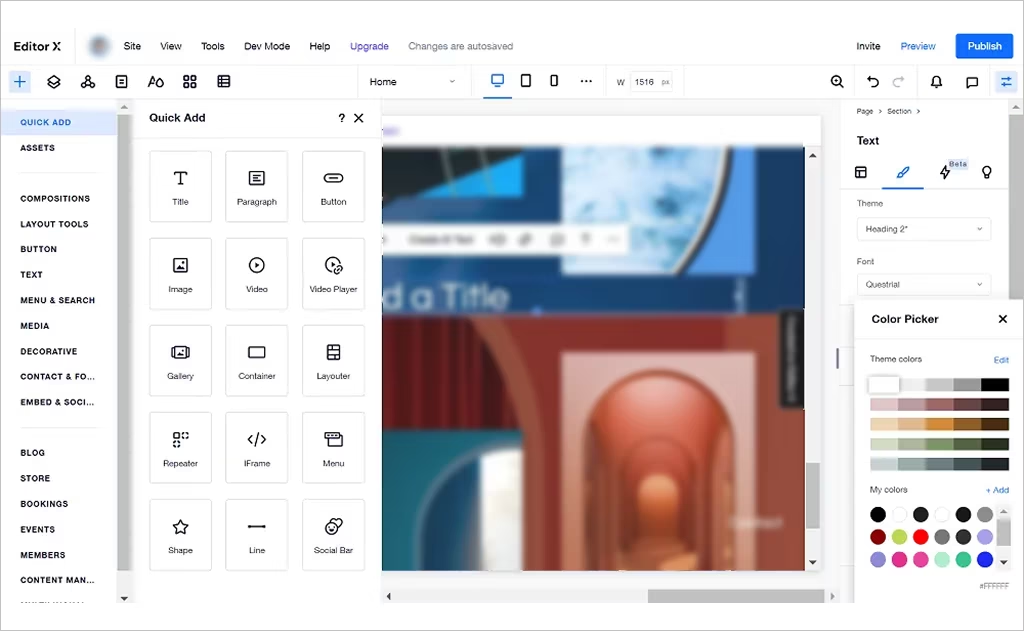
Best for: Small roofing businesses that want an all-in-one, drag-and-drop builder
Cost: Free plan available; paid plans typically start around $17/month (billed annually)
This is #1 on our list for a reason! Wix’s website builder is a popular choice for contractors who are not tech-savvy but really want a great site. AKA, 99% of contractors.
You can start with a template or answer a few questions, and Wix generates a starter site for you.
From there, it’s simple to add service pages, contact forms, customer testimonials, photo galleries, and basic SEO settings to start capturing leads.
P.S. Wix is also one of the most accessible options if you’re testing the waters with a free roofing website builder.
Pros
- Easy drag-and-drop editor
- AI tools to speed up setup
- Huge template library
Cons
- You can’t switch templates after publishing
- Can feel bloated with too many features
- Performance and SEO controls are limited compared to WordPress
Wix is superb for quick launches; we’ve used it on multiple locations. But it may be less ideal if you plan to scale aggressively.
2. WordPress (Serious SEO Potential)
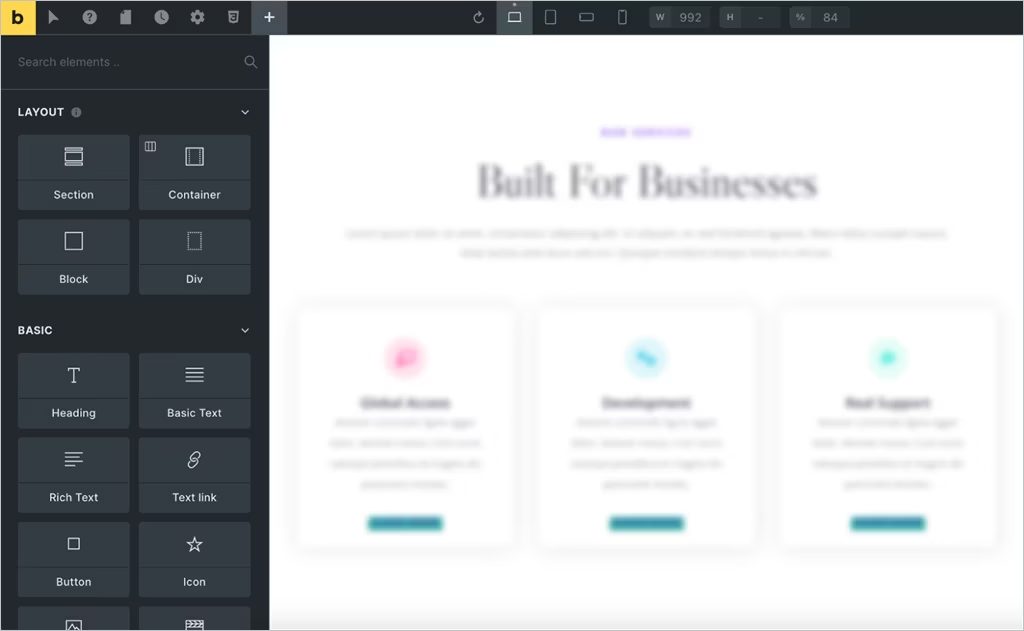
Best for: Contractors who want full control, scalability, and serious SEO potential
Cost: Free core platform; paid plans start at $4/month (billed annually), and include a free domain for one year
WordPress is miles apart from other website builders. It isn’t your basic editor. It’s a flexible website platform that powers over 43% of websites on the internet.
Should you choose this? WordPress excels when you want more than a simple website. With 13,000+ themes and plugins, you can add contact forms, galleries, calendars, and powerful SEO tools.
This means you can tailor your roofing company website to exactly how you want it. WordPress gives you the space to grow into a full-blown lead-generation machine.
Pros
- Unmatched customization and scalability for future growth
- Massive ecosystem of plugins for forms, galleries, SEO, and more
- Strong SEO control when built right (great to attract local customers)
Cons
- Steeper learning curve than drag-and-drop builders
- You have to manage hosting, backups, and maintenance yourself
- Setup can take longer if you want advanced features
Compared to Wix, WordPress is ideal if you want a roofing website that grows with your business and plays well with SEO long-term.
3. Squarespace (Beginner-Friendly & Best for Clean Designs)
Best for: Roofing contractors who want a sleek site with minimal learning curve
Cost: No free plan; paid plans typically start around $16/month (billed annually, 14-day trial available)
Want a clean design and quick setup? The Squarespace website builder is one of the easiest platforms for you!
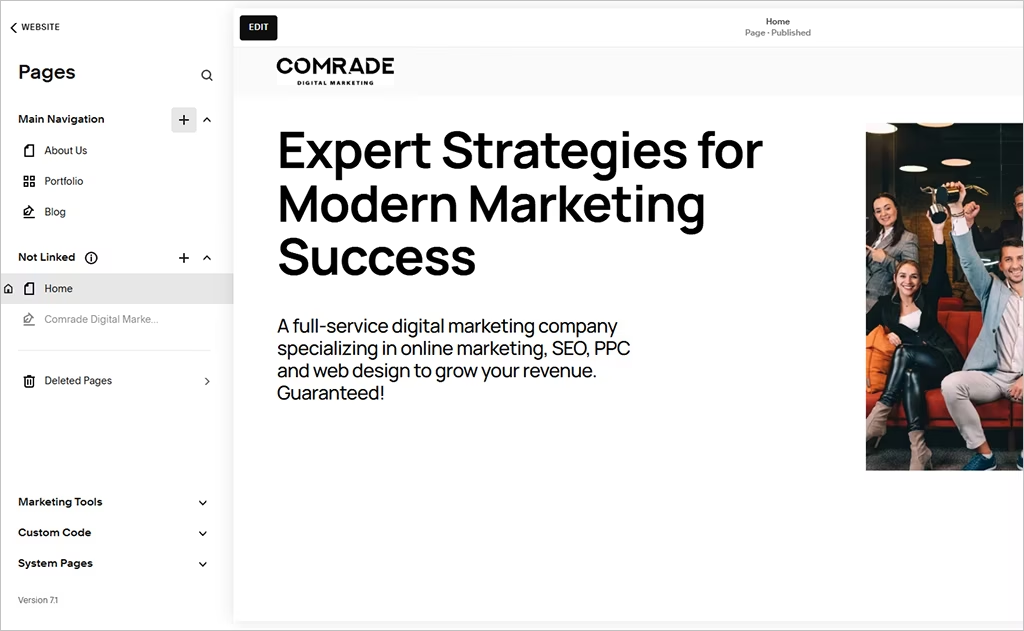
We’ve tried it. The editor uses a structured grid (so everything stays aligned), and it comes with polished templates, built-in contact forms, photo galleries, and basic SEO tools.
It also offers booking and scheduling features, which are handy if you want folks to request appointments directly from your roofing website builder setup.
Pros
- Beautiful templates right out of the box
- Beginner-friendly editor
- Built-in scheduling tools
Cons
- No forever-free plan
- Limited customization compared to WordPress
- SEO tools are fairly basic
You won’t get the deep flexibility of WordPress or the free-form editing of Wix, but Squarespace is great for a fast, well-designed roofing website.
4. Duda (Best for Scalable, High-Performance Sites)
Best for: Roofing companies that want fast sites, with room to grow later
Cost: Free trial available; paid plans typically start around $19/month (billed annually)
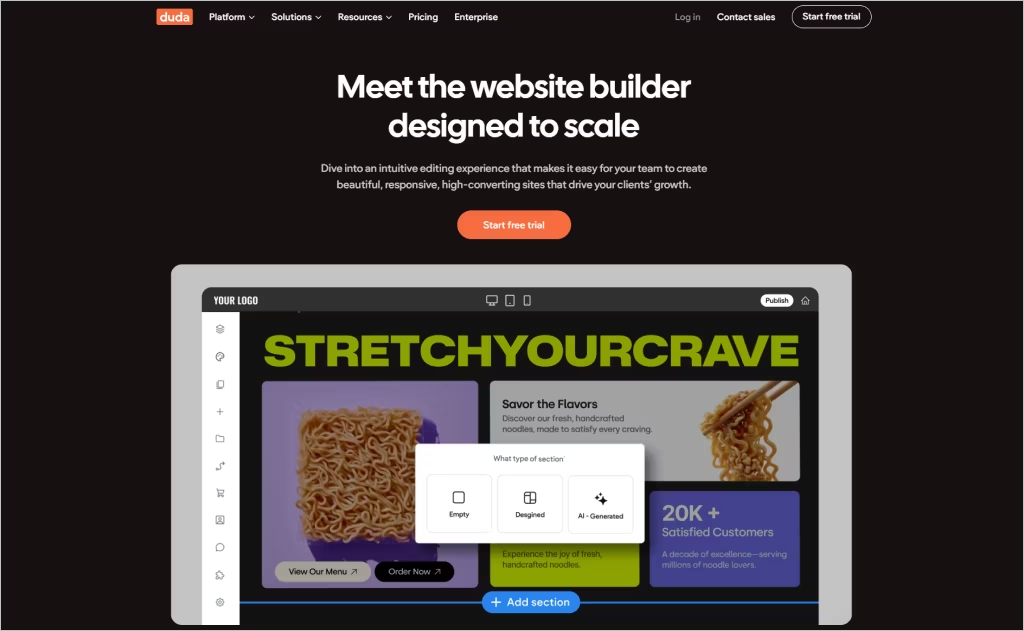
Duda is a fantastic website builder for roofing company owners who care about 3 things: speed, performance, and flexibility.
You get a smooth drag-and-drop editor, clean templates, rock-solid hosting, and built-in SEO helpers like auto schema and site audits.
We’re impressed with how quickly you can launch a strong online presence, compared to many website builders.
P.S. Have multiple locations? Duda lets you handle all your sites from one dashboard, reuse layouts across service areas, and spin up location pages fast.
Pros
- Fast-loading, mobile-friendly templates
- Strong SEO and performance tools built in
- Easy to manage multiple sites from one dashboard
Cons
- No forever-free plan
- Some powerful features live in higher tiers
- Slight learning curve for total beginners
All in all, this is a really great choice if you want a professional-grade site, without WordPress-level complexity.
5. Weebly (Best for Simple Roofing Sites on a Budget)
Best for: Small roofing businesses that want a basic site live fast (with minimal setup)
Cost: Free plan available; paid plans usually start at around $10/month (billed annually)
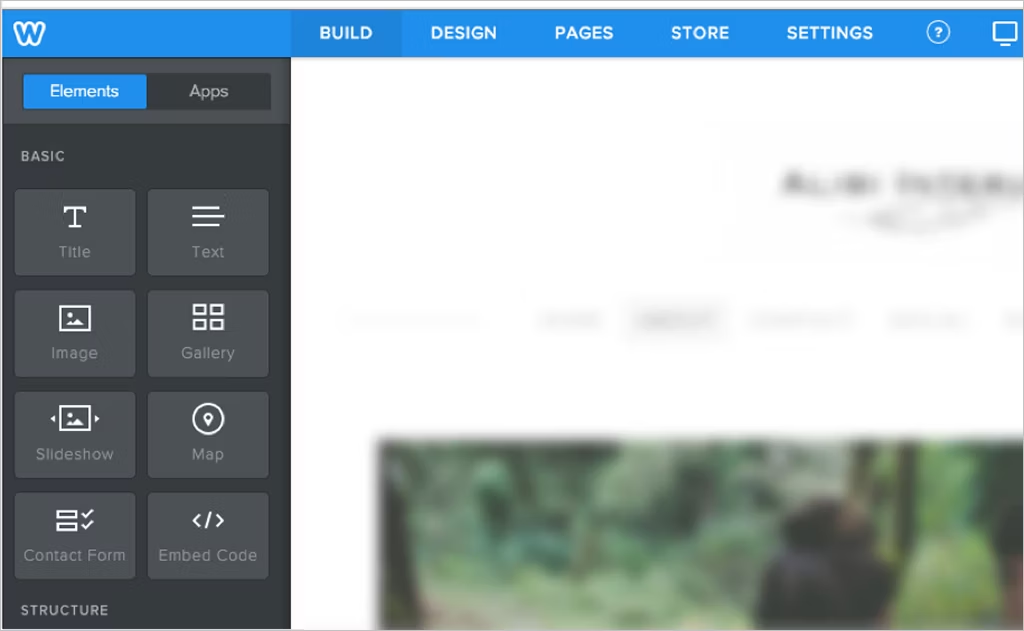
Weebly is a beginner-friendly roofing website builder that keeps things simple.
It’s fully hosted, so you don’t have to worry about buying separate hosting! It also comes with beautiful templates, built-in contact forms, photo galleries, and basic SEO tools.
You drag, drop, customize, and BOOM.
Weebly is also part of Square, which makes payments and simple online selling easier if you ever want to add that later.
Pros
- Very easy drag-and-drop editor
- Free plan to get started
- Built-in forms and galleries
Cons
- Free sites show Square ads
- Limited design flexibility
- Not ideal for scaling long-term
Weebly is great if you want to get online on a budget, with a professional-looking website. It’s less great if you’re planning aggressive growth.
6. Webflow (Best for Custom Websites & Advanced Control)
Best for: Roofing contractors (or teams) who want full design control
Cost: Free plan to test; paid site plans usually start around $14/month (billed annually)
Sick of boring, cookie-cutter templates? Webflow is worth checking out.
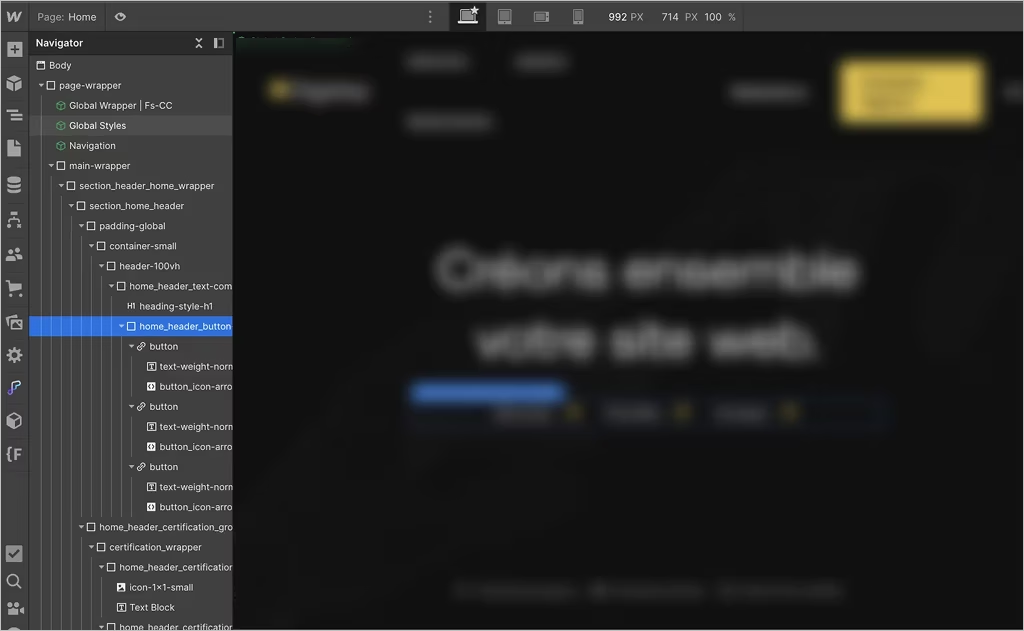
It gives you immense visual design control, built-in CMS, hosting, and SEO tools, so you can create a custom roofing contractor website quite handily.
You can start with Webflow as a free roofing website builder, but you’ll need a paid plan to connect your domain and publish.
It’s powerful, but not plug-and-play. Expect a learning curve across the entire website.
Pros
- Pixel-level design control
- Fast-loading sites with built-in hosting
- Strong CMS and SEO features
Cons
- Not beginner-friendly
- Overkill for quick DIY sites
- Takes time to master
Overall, Webflow crushes it for premium sites. But since it has a learning curve, you may not get the quickest launch.
7. GoDaddy (Best for Speedy Setup & All-in-One Convenience)
Best for: Roofing contractors who want a site live fast with minimal setup
Cost: Free plan available; paid plans usually start at $9.99/month (billed annually).
No, GoDaddy is not only a domain name registrar!
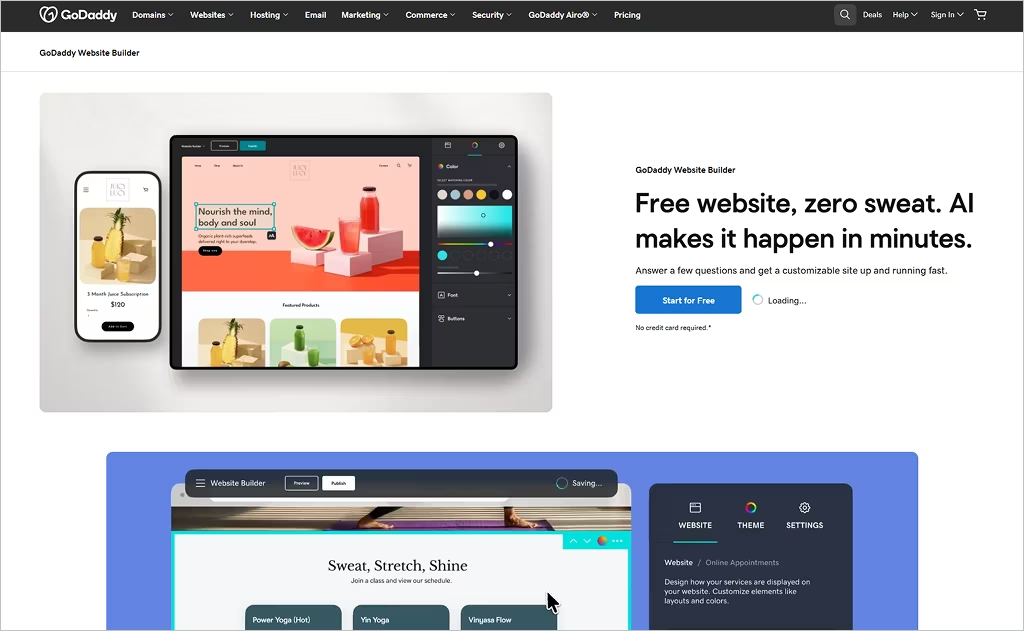
The GoDaddy website builder is a great platform to build stunning websites in hours.
You can buy your domain, set up hosting, and launch your site from one place. We personally LOVE this because you don’t have to juggle multiple tools!
The onboarding is quick, and you’ll get simple templates, built-in contact forms, basic SEO settings, plus handy extras like social content tools.
Pros
- Very fast setup and beginner-friendly
- Budget-friendly plans
- Domain, hosting, and site in one dashboard
Cons
- Limited design flexibility
- Basic SEO guidance
- Not ideal for scaling or custom layouts
As a website builder for roofing company owners, GoDaddy works best for straightforward, informational sites.
It’s not made for deep customization, but it is made to get you online quickly.
8. Hostinger Website Builder (Best for Ultra-Low Budget & Fast Launch)
Best for: Roofing contractors who want the cheapest way to get online (without sacrificing speed)
Cost: Basic plans start around $1.99–$2.99/month on long-term subscriptions (48 months). Renewal prices jump later (usually closer to $6.99/month). No forever-free plan.
Hostinger is one of the most affordable website builders out there, and hey, it’s surprisingly quick!
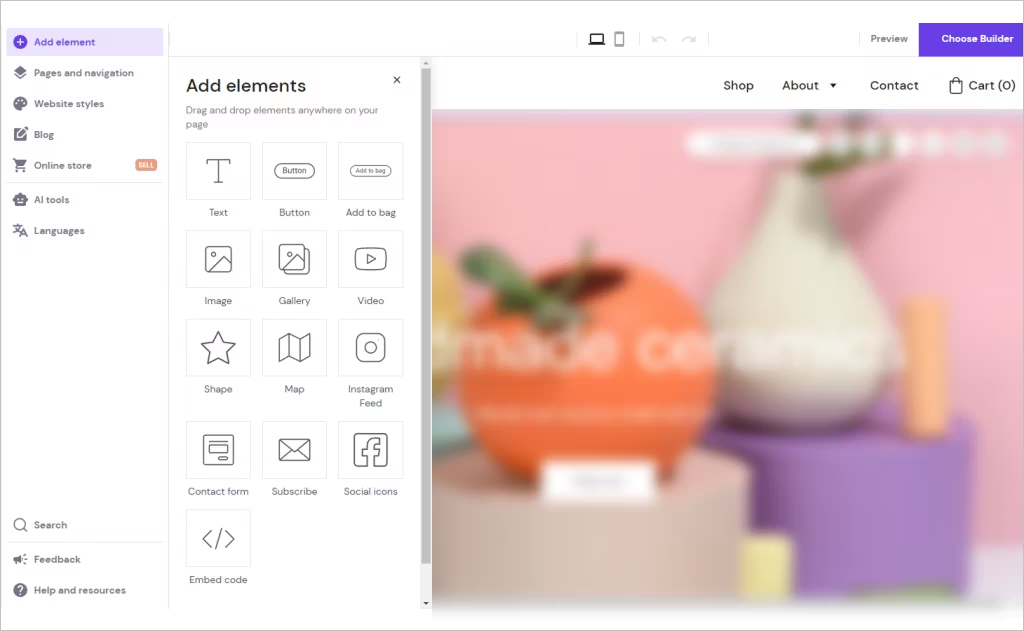
You get hosting, templates, drag-and-drop editing, and built-in content tools in one bundle, which makes launching great roofing websites easy on a tight budget.
Their AI builder can spin up a starter site in minutes (we’ve done it!), and performance is solid (especially on mobile).
Pros
- Extremely low intro pricing
- Fast-loading sites
- Beginner-friendly editor with built-in content tools
Cons
- Renewal prices increase after the promo period
- Limited scalability
- Few third-party integrations
Just know, Hostinger is a “keep it simple” platform. Advanced customization and integrations are limited. This may complicate launching a robust long-term roofing brand.
Building a Site is Tough. You're Busy! Hand That Burden to the Experts at Comrade.
9. Jimdo (Best for Service Businesses That Want Built-In Bookings)
Best for: Solo roofers or small teams who want a simple site with appointments baked in
Cost: Free plan available; paid plans typically start around $11/month (billed annually)
Jimdo is an excellent roofing website builder.
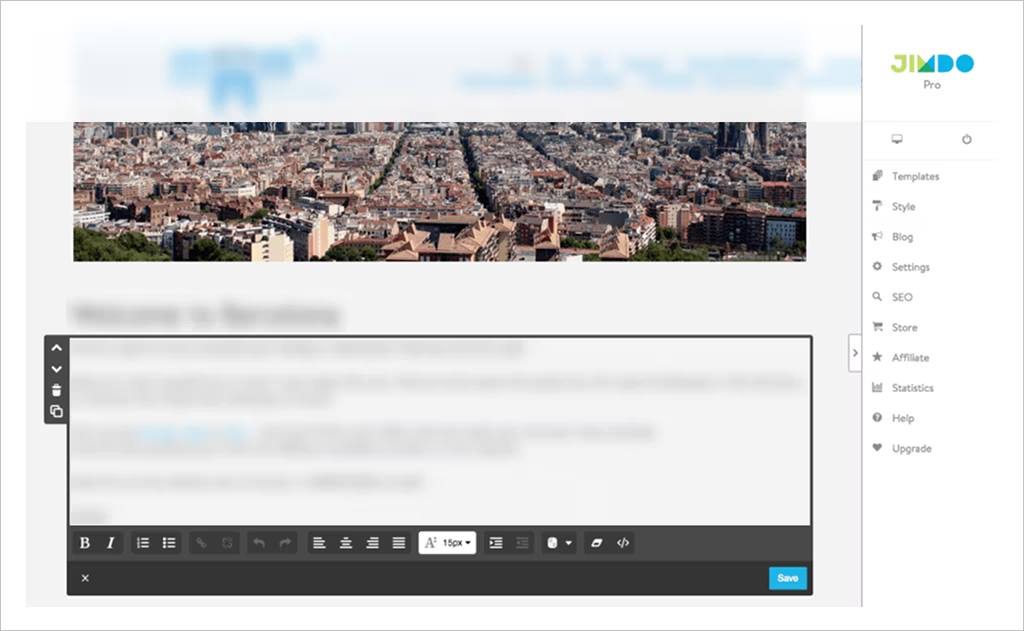
Along with the obvious templates and drag-and-drop editing, you get built-in booking tools, contact forms, basic SEO, and simple marketing connections (like Google and Meta).
That makes it appealing for service contractors who want customers to book jobs directly online without the extra plugins.
Pros
- Integrated booking and appointment tools
- Beginner-friendly setup with a guided assistant
- Free plan to test things out
Cons
- Limited design flexibility
- Basic SEO compared to bigger platforms
- Not built for scaling large roofing operations
You won’t get deep customization at Jimdo, but it’s great for fast, functional sites. We can confidently say that it holds its own among today’s top site builders.
10. Strikingly (Best to “Make a Website in Minutes”)
Best for: Roofers who want a simple site live ASAP
Cost: Free plan available; paid plans typically start around $16/month (billed annually)
Strikingly markets itself as a platform to “make a website in minutes.”
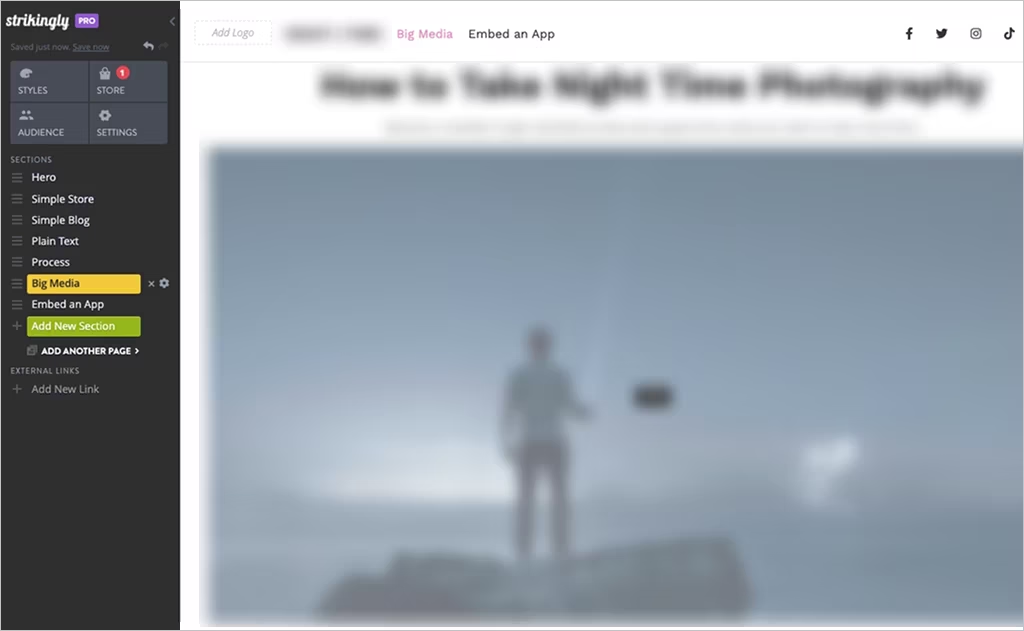
This builder is all about speed and simplicity. You can whip up a clean, mobile-friendly one-page roofing site with all the essentials: services, photos, and a contact form.
It also comes with built-in forms, basic ecommerce, analytics, and SSL, so you can start collecting leads right away.
If you’re busy and need a straightforward pro-level online presence, this is a great shortcut.
Pro
- Ridiculously fast setup (great for starter sites)
- Free plan to test things out
- Built-in forms, analytics, and basic ecommerce
Cons
- Limited SEO control and customization
- Not ideal for multi-page or growing roofing businesses
- Basic design flexibility compared to Wix or WordPress
That said, Strikingly shines for lightweight sites, not complex, multi-location builds.
Website Builders vs Custom-Built Roofing Websites
Ah, the million-dollar question: Should you use a website builder… or invest in a custom-built site?
Here’s the quick side-by-side:
| Feature | Website Builders | Custom-Built Roofing Websites |
|---|---|---|
| Cost | Low monthly fees | Higher upfront investment |
| Ease of use | DIY-friendly, drag-and-drop | Requires a developer or agency |
| Customization | Limited to templates | Fully custom design and features |
| Scalability | Fine for small sites | Built to grow with your business |
| SEO performance | Basic tools | Advanced, strategy-driven SEO |
| Maintenance | Mostly handled for you | Managed by your dev/marketing team |
Website builders are great if you’re just getting started. They’re fast, affordable, and easy to manage.
If you’re a solo roofer or a small crew who needs a clean site to collect leads, a web builder could do the job.
Custom-built websites are vital if you’re serious about growing. If you operate across multiple locations in competitive cities, you need serious SEO and a high-converting site.
You’ll also need to integrate with your CRM and scheduling tools. That’s where web builders may let you down.
Need inspiration? Check out the top 30 roofing website examples of 2026. Feel free to borrow ideas of what works (layouts, CTAs, visuals, etc.)
Book More Jobs with a Striking, High-Converting Roofing Website
You’ve just seen the top 10 roofing website builders of 2026.
But building a website isn’t purely about visuals. Your website affects the quality of the jobs you attract (if you get any at all). It also affects your revenue.
Don’t phone in such an important asset. Contact Comrade Digital Marketing today.
Since 2008, we’ve designed 300+ high-converting roofing contractor websites, built to look visually striking and book more customers.
Our Greater Toronto Area client, Absolute Roofing Services, saw a 922% lead growth with their new site, and, years later, it has continued to book high-paying local jobs non-stop.
Ready to launch your dream website?
Book your free growth consultation today.
FAQ
-
Can I switch to a different website builder later?
Yes, you’re not locked in forever. You can usually move your domain, written content, and images to a new platform. What doesn’t transfer cleanly is the design. Expect to rebuild layouts and features on your new roofing website, but your core assets stay with you.
-
Who are website builders for?
Website builders are perfect for small roofing companies, startups, and owner-operators who want great roofing websites fast (without hiring a developer). If you care more about simplicity and speed than fancy custom features, builders are a solid choice to get online and start collecting leads.
-
Can I rank a roofing website built with a website builder on Google?
Absolutely. A roofing contractor website built on a builder can rank just fine. What matters most is strong content, local SEO, fast load times, and basic on-page optimization, not the platform itself. Builders give you the tools; your strategy determines your Google rankings.